Guide
Onthel Simulator Indonesia Livery Guide
Design a custom livery in Onthel Simulator Indonesia: repaint every part, upload your own design, and make a bike no one else owns.

On this page
Repaint Basics
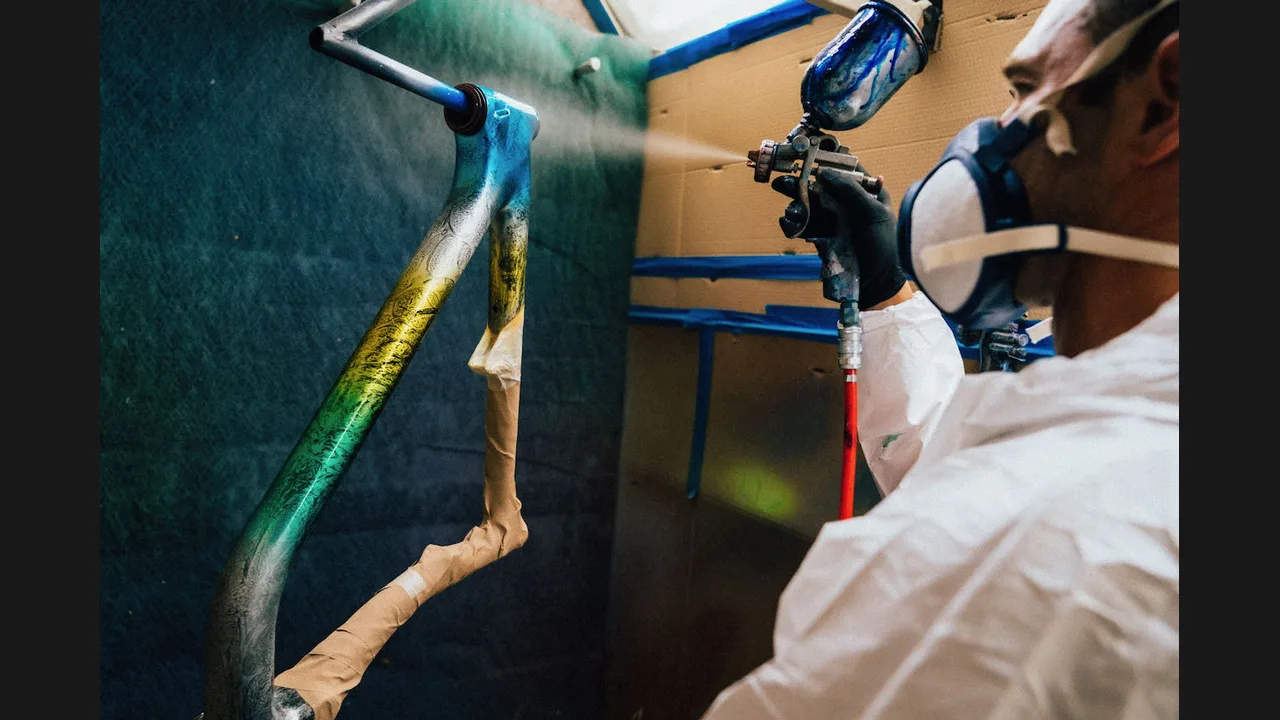
Onthel Simulator Indonesia bike game guide explains per part paint, and livery design starts there. Repaint one part at a time, starting with the frame, so you can see how each colour changes the whole bike.
Work with two main colours and one accent. Three colours give a design structure, while five colours usually turn a bike into noise.
Your Own Livery
Applying your own livery design is where a bike stops being a shop build and becomes yours. Keep the design readable at speed: bold shapes and clear contrast survive motion better than fine detail.
Test the livery in Free Ride and in the free camera before a race. A design that looks great standing still can blur into a mess at race speed. Onthel Simulator Indonesia Photo Mode Guide: Free Camera, Cinema and Great Shots covers capturing a finished livery.
Show It Off
Online rooms and roadside races are the gallery for liveries. Ride the bike you designed, pose it with the free camera, and let other players see the work.
Save a favourite livery before you experiment further. A saved design is a safety net when a new idea does not work out. Onthel Simulator Indonesia Bike Customization Guide: Build a Bike That Is Yours covers the garage work behind a show worthy build.
Conclusion
Two main colours, one accent, bold shapes, and a test ride. That is the whole recipe for a great livery.